Description
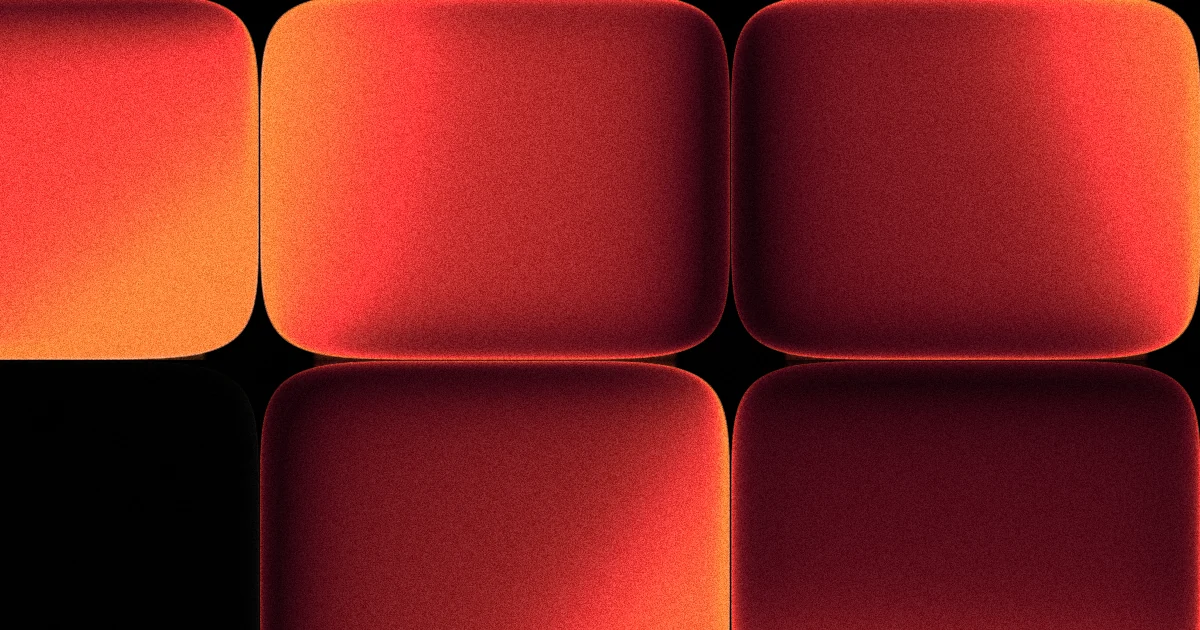
Each cell is a superellipse cushion — one smooth surface that runs from a near-sharp plate to a soft squircle on the Corner slider — lit by its own wandering light, so every tile pools brightness on a different side. The colour is an incandescence ramp rather than a tint: as a pixel overheats its hue slides toward yellow along the shortest arc, so blue rims go cyan, green goes lime, purple goes magenta. Shadows cool toward blue and gain saturation, and the outermost hairline takes the warm backlight directly. Unlit turns a share of the wall into dead screens.
Presets
| Name | Look |
|---|---|
| Ember | Big landscape tiles, ember red, half of them dark. |
| Signal | The full-spectrum wall, tiles touching, every one lit. |
| Citygrid | Offset brick, half the windows dark. |
Parameters
| Name | Description | Range | Default |
|---|---|---|---|
| Scale | Zoom of the whole field | 0.15 to 3 | 0.92 |
| Pan X | Slide the grid up and down | -3 to 3 | 1.94 |
| Pan Y | Slide the grid left and right | -3 to 3 | 0.95 |
| Speed | How fast it moves; 0 freezes it | 0 to 2 | 0.8 |
| Corner | Near-sharp plate through to soft squircle | 0 to 1 | 0.42 |
| Gutter | Black gap between tiles; 0 makes them touch | 0 to 1 | 0 |
| Depth | How far each tile bulges toward you | 0 to 1 | 1 |
| Glow | Bloom around lit phosphors | 0 to 1 | 1 |
| Grain | Film grain over everything | 0 to 1 | 0.7 |
| Unlit | Share of tiles that are dead screens | 0 to 1 | 0.52 |
| Layout | Straight grid or offset brick | Grid · Brick | Grid |
| Color | Five hues the wall picks from, one per tile | 5 hex colors | #000000, #ff3b3b, #ff3b3b, #000000, #000000 |
In the studio
Open in Studio spawns this shader as a live layer with your settings. It composites like any other layer — behind a cut-out subject, clipped inside text, under a halftone or CRT pass, or exported as looping video. Everything runs on your device.
Requirements
The live preview needs WebGPU: Chrome or Edge 113+, Firefox 141+, or Safari 26 (macOS 26 / iOS 26). Without it, this page shows a still frame.